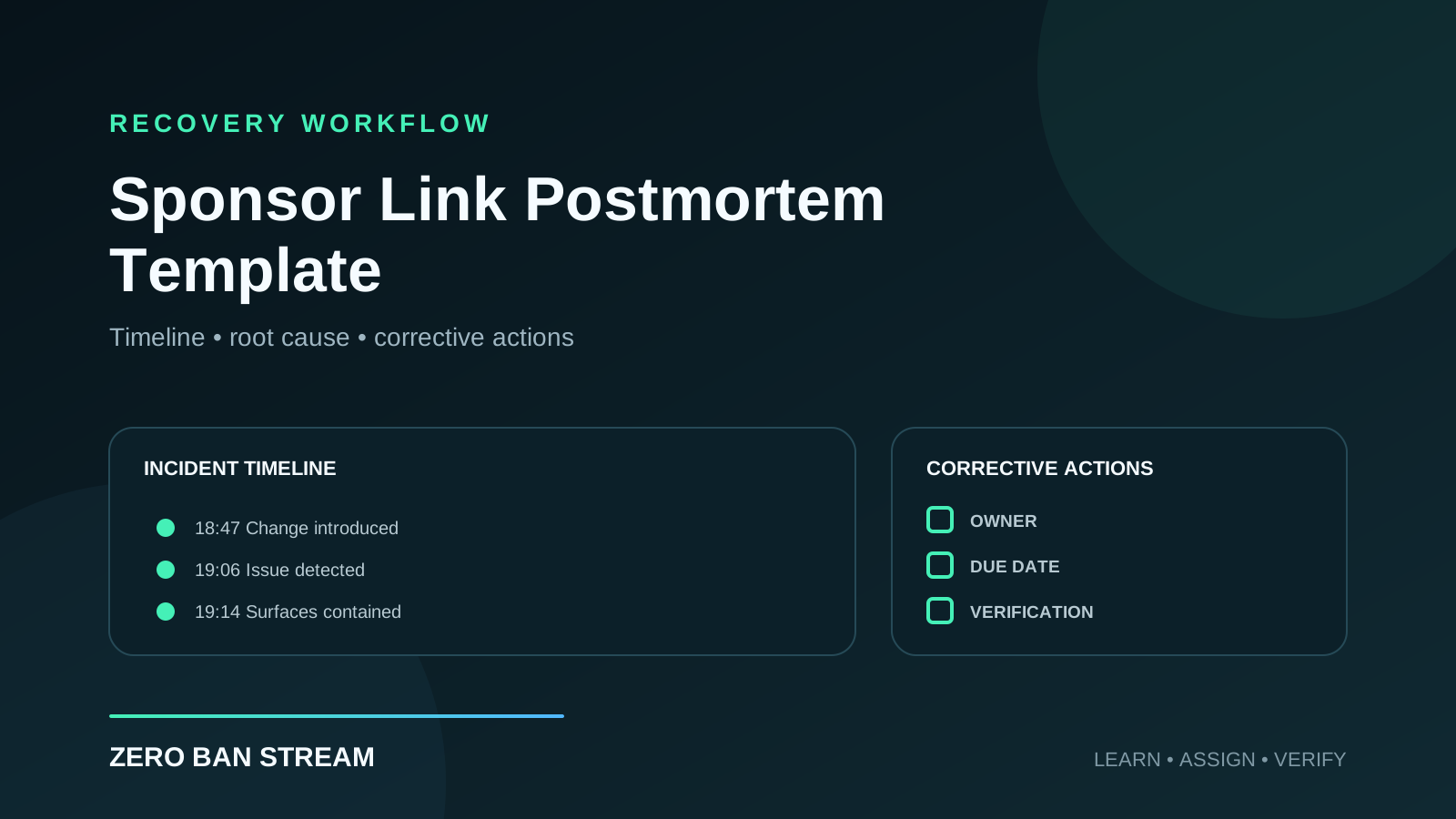
A gambling sponsor link incident is not finished when the link disappears. If the team never explains how an old command, raw URL, broken destination, or unapproved change reached viewers, the same conditions can produce the same mistake on the next stream.
A short, blameless postmortem turns the incident into an operational improvement. It records what happened, identifies the controls that failed, assigns corrective actions, and gives the team a clear definition of done.
Short answer
Run a sponsor-link postmortem after the broadcast is stable and the evidence has been preserved. Build a factual timeline, distinguish the trigger from the root cause, document every affected surface, and assign a named owner and deadline to each corrective action.
The review should improve the system—not search for someone to blame.
When to run a postmortem
Use this template when:
- a raw gambling or affiliate URL appeared on stream
- a moderator or bot posted an old destination
- a sponsor changed a link without completing approval
- viewers reached the wrong offer, region, or disclosure flow
- a description, panel, pinned comment, or VOD retained stale campaign details
- an age gate, routing page, or fallback failed
- a platform issued a warning, restriction, strike, or monetization action
- the team could not identify the approved version during a live incident
Small incidents still deserve a small review. A 20-minute postmortem can prevent a much larger interruption later.
Before the meeting
The incident owner should gather facts before inviting the team to discuss causes:
- incident note and exact timestamps
- screenshots or recordings of what viewers saw
- affected chat messages, bot logs, and command history
- the last approved campaign brief
- link-change and approval records
- VOD, description, pinned comment, panel, and profile state
- sponsor messages that changed the campaign
- containment and recovery actions
Preserve the original evidence. Do not silently rewrite the timeline to match what the workflow was supposed to do.
Copy-and-use postmortem template
Incident title:
Date:
Review owner:
Participants:
Campaign and sponsor:
Platforms:
Severity:

SUMMARY
What happened?
What could viewers see or click?
How was the incident discovered?
How long was the exposure active?

IMPACT
Which stream surfaces were affected?
How many viewers or placements may have been affected?
Was a warning, strike, takedown, or sponsor escalation received?
What is confirmed, and what remains unknown?

TIMELINE
[Time] Last known approved state
[Time] Trigger or change introduced
[Time] Issue became viewer-facing
[Time] Issue detected
[Time] Promotion paused
[Time] All known surfaces contained
[Time] Campaign restored or kept offline

CAUSES
Immediate trigger:
Root cause:
Contributing conditions:
Why existing checks did not catch it:

RESPONSE REVIEW
What worked?
What slowed containment?
Which information or access was missing?
Did the team follow the incident playbook?

CORRECTIVE ACTIONS
[Action] — [Owner] — [Due date] — [Verification method]

FOLLOW-UP
Who confirms completion?
When will the workflow be retested?
Which campaign documents must be updated?
What evidence is required before closing the postmortem?
Build a factual timeline
Use timestamps and observable events. Avoid interpretations such as “the moderator was careless.” A useful timeline says:
| Time | Fact |
|---|---|
| 18:42 | Sponsor sent a replacement destination in team chat |
| 18:47 | Bot command was edited without a second approval |
| 19:03 | Sponsor segment started |
| 19:06 | Viewer reported the destination did not match the description |
| 19:08 | Moderator disabled the command |
| 19:14 | Description and pinned comment were checked and removed |
The timeline often reveals gaps that memory hides: unclear ownership, approval happening in several tools, or containment focused on chat while another surface stayed active.
Separate trigger, root cause, and contributing conditions
These terms answer different questions.
Immediate trigger
The event that made the incident visible. Example: a moderator pasted the sponsor’s replacement URL into a bot command.
Root cause
The system condition that allowed the trigger to reach viewers. Example: the team had no rule requiring a second approval after a sponsor changed the destination.
Contributing conditions
Factors that increased the likelihood or impact. Examples:
- the approved link was stored in several documents
- the campaign owner was unavailable
- the fallback command was not tested
- bot edit history was not reviewed
- the sponsor change arrived minutes before the segment
Stopping at “someone pasted the wrong link” produces weak corrective actions. Ask why that single paste could bypass the campaign controls.
Use the five-whys carefully
The five-whys method can help, but it should investigate the workflow rather than interrogate a person.
- Why did viewers receive an old destination? The active bot command contained it.
- Why did the command contain it? It was copied from the previous campaign.
- Why was that copy still available? Old commands and aliases were not retired.
- Why were they not retired? Campaign closeout had no command-cleanup owner.
- Why was there no owner? The handoff checklist covered launch but not archival.
This leads to a useful change: add command retirement, verification, and ownership to campaign closeout.
Write corrective actions that can be verified
“Be more careful” is not an action. “Improve communication” is not measurable. Each action needs an owner, a deadline, and evidence of completion.
| Weak action | Stronger corrective action |
|---|---|
| Check links better | Add a second approval after any destination change |
| Tell moderators | Update the moderator SOP and run a five-minute command test |
| Avoid old commands | Archive campaign commands within 24 hours of closeout |
| Fix the fallback | Test the clean scene and disable hotkey before every sponsor stream |
| Keep better notes | Store one approved destination and version in the campaign brief |
Prioritize changes that remove ambiguity or prevent the error from reaching viewers. A new reminder is useful only when someone owns and verifies it.
Review every affected surface
The postmortem should confirm whether the incident reached:
- OBS or Streamlabs scenes and browser sources
- live chat, bot commands, timers, and moderator messages
- stream description and pinned comment
- channel panels, bios, and link hubs
- clips, highlights, VODs, and scheduled posts
- sponsor landing pages, redirects, age gates, and geo routing
- internal briefs, templates, and copied moderator notes
If the incident remains visible in a replay, use the Post-Stream VOD Audit Checklist.
Keep the review blameless and accountable
Blameless does not mean ownerless. People still own actions and decisions. The distinction is that the review asks how the operating system made the mistake possible, then changes that system.
Useful meeting rules:
- describe facts before causes
- let the person closest to the incident explain the context
- distinguish confirmed impact from estimates
- record disagreements and unknowns
- assign one owner per corrective action
- do not close the review until actions are verified
This produces more accurate information than a meeting where people expect punishment for reporting a near miss.
A 30-minute review agenda
- Five minutes: read the summary, scope, and confirmed impact.
- Ten minutes: validate the timeline and affected surfaces.
- Five minutes: agree on the trigger, root cause, and contributing conditions.
- Seven minutes: select corrective actions, owners, and deadlines.
- Three minutes: define verification and the closure date.
For a serious platform action, allow more time and follow the platform’s official review or appeal process.
What good closure looks like
A postmortem is complete when:
- the timeline and impact are documented
- the root cause is specific enough to act on
- each corrective action has an owner and due date
- campaign checklists and SOPs have been updated
- the changed workflow has been tested
- retained VODs and public surfaces have been reviewed
- the campaign owner has verified the evidence
Store the review next to the campaign brief so the next launch can use what the team learned.
FAQ
Should every small mistake get a full meeting?
No. Use a lightweight written review for a contained near miss. Hold a meeting when several surfaces or people were involved, the cause is disputed, or the incident created platform, sponsor, or viewer impact.
Should the sponsor receive the postmortem?
Share an external summary when appropriate: confirmed facts, impact, containment, and relevant corrective actions. Keep internal access details and personal information out of the external version.
How soon should the review happen?
After containment and evidence collection, ideally within a few working days while the details are fresh. Do not delay urgent corrective actions just to wait for the meeting.
What if the root cause is still unknown?
Record the unknown clearly, assign an investigation owner, and keep the relevant promotion paused if the unresolved cause could repeat.
Where does Zero Ban Stream fit?
Zero Ban Stream can support a controlled workflow around visible gambling links during broadcasts. The postmortem should still examine approvals, disclosures, platform rules, team roles, and every public campaign surface.
Turn the incident into a better system
The value of a postmortem is not the document. It is the verified change that follows.
Start with facts, trace the conditions that allowed the incident to reach viewers, and finish with corrective actions that have owners, deadlines, and evidence. That is how a creator team becomes more reliable after an incident instead of merely becoming more cautious.
Pillar links
This article is part of the Gambling Affiliate Compliance for Streamers cluster focused on safer sponsor execution, compliant presentation, and reduced visible link risk.
Continue in this cluster
- Master page: Gambling Affiliate Compliance for Streamers
- BOFU page: Safe Affiliate Infrastructure for Creators
- Related support post: Gambling Sponsor Link Incident Response Playbook
- Related support post: Audit Logs & Link Accountability