A gambling sponsor link incident rarely arrives at a convenient moment. A moderator posts an old command, a raw URL appears in an OBS source, a sponsor changes the destination during the broadcast, or viewers report that a campaign page is unavailable in their region.
The worst time to invent a response is while you are live.
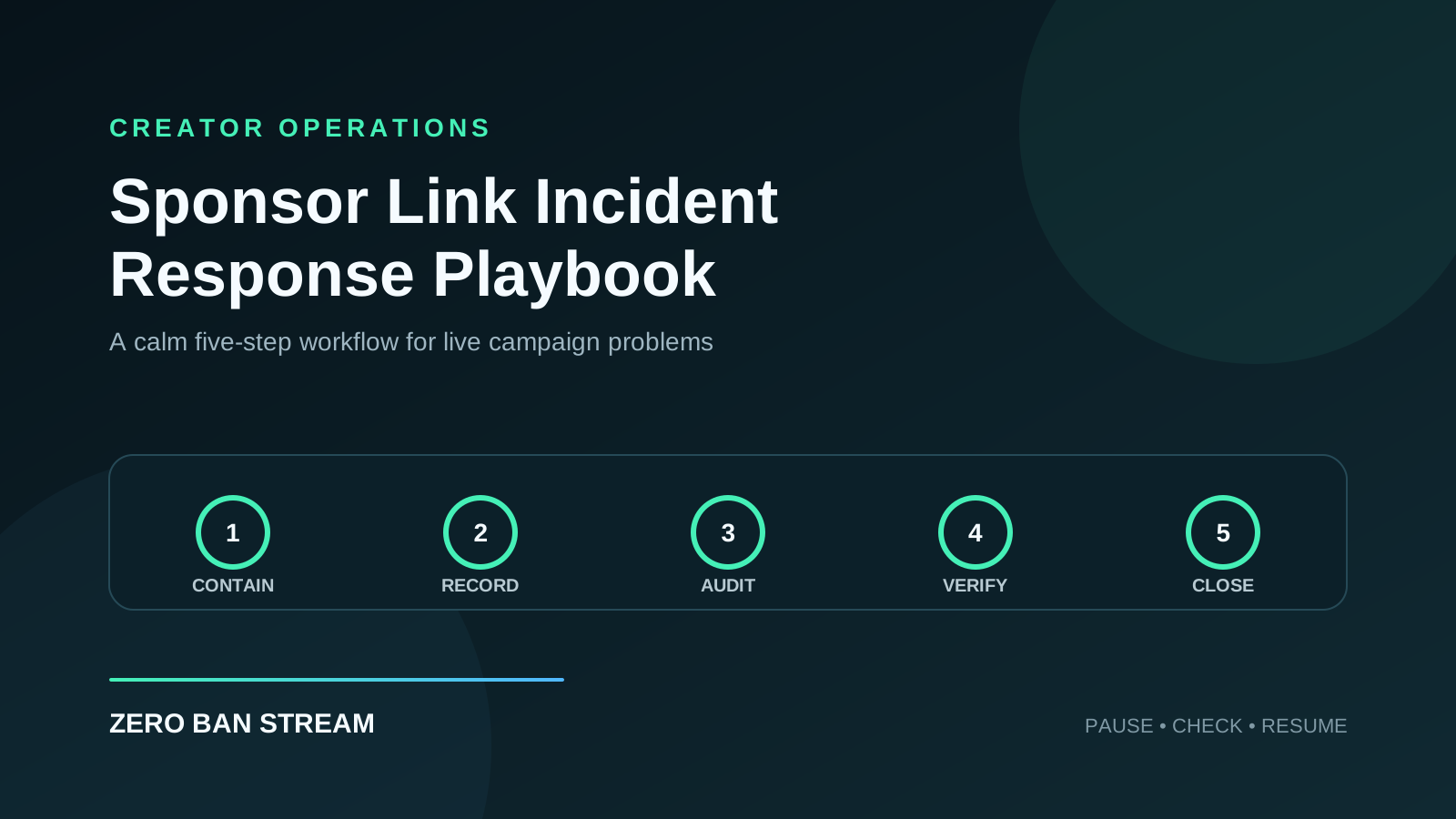
This playbook gives creators, moderators, and editors a simple way to contain the issue, preserve useful records, communicate clearly, and decide whether the promotion can safely resume.
Short answer
When a sponsor-link incident happens, stop the affected promotion first. Remove or disable the link from every surface you control, switch to a clean fallback scene if the URL is visible, record what happened, and do not restore the campaign until the destination, disclosure, routing, and placement have been re-approved.
The objective is containment and accurate review—not hiding evidence, improvising a replacement, or guessing what a platform will allow.
What counts as a sponsor-link incident?
Treat any unexpected change in link visibility, behavior, approval, or placement as an incident. Common examples include:
- a raw gambling or affiliate URL appears on stream
- a chat bot posts an old or unapproved destination
- a description or pinned comment contains the wrong link
- a sponsor landing page redirects somewhere unexpected
- geo-targeting sends viewers to the wrong offer
- an age gate or disclosure page fails to load
- the link is blocked, flagged, or questioned by a platform
- a sponsor requests a last-minute URL change during the broadcast
- an editor, moderator, or creator cannot confirm which version is approved
If the team is uncertain, pause the placement. Uncertainty is a reason to review, not a reason to keep the link live.
The five-step response
1. Contain the exposure
Stop the affected promotion immediately. Depending on the incident, that may mean:
- switch to a clean fallback scene
- disable the relevant chat command
- remove the pinned comment
- unpublish or edit the description
- hide the overlay or browser source
- pause verbal calls to action
Do not replace the link with a new one yet. First make the current state safe and stable.
2. Record the facts
Create a short incident note while the details are fresh:
Campaign:
Date and time:
Platform:
What viewers could see or click:
Affected surfaces:
How the issue was discovered:
Containment action:
People involved:
Last approved version:
Evidence saved:
Keep timestamps, screenshots, VOD markers, bot logs, and the approved campaign brief. Preserve records; do not delete useful evidence simply because it is uncomfortable.
3. Check every campaign surface
A link incident is rarely limited to one location. Audit the complete surface list:
| Surface | Immediate check |
|---|---|
| OBS or Streamlabs | Browser sources, overlays, text layers, scene transitions |
| Live chat | Bot commands, moderator messages, scheduled messages |
| Video page | Description, pinned comment, cards, captions |
| Channel profile | Panels, bio links, link hubs |
| Sponsor page | Destination, redirects, age gate, disclosure, geo behavior |
| Team documents | Briefs, moderator SOPs, editor checklists |
Use the Post-Stream VOD Audit Checklist if the incident may remain visible in a replay.
4. Decide whether to resume
Promotion should resume only when the campaign owner can confirm all four conditions:
- Destination: the final page is the approved destination.
- Presentation: the URL and call to action appear only in approved formats.
- Disclosure: required sponsor and affiliate language is present.
- Placement: every live surface has been checked and approved.
If any condition is unresolved, keep the placement paused. A sponsor request alone is not enough to skip review.
5. Close the incident
After the stream, document:
- root cause
- total time the issue was live
- surfaces affected
- corrective action
- owner and due date
- workflow change that prevents recurrence
Close the incident only after the corrective action is complete. “Be more careful next time” is not a corrective action.
Severity levels for small creator teams
You do not need an enterprise system. Three levels are enough.
Level 1: contained mistake
The wrong link or presentation appeared briefly, the team removed it, and there is no warning or known viewer harm. Complete the surface audit and correct the workflow before the next stream.
Level 2: active campaign problem
The link remains published, redirects incorrectly, lacks required disclosure, or appears across several surfaces. Pause the full campaign, notify the campaign owner, and require fresh approval.
Level 3: platform or account action
The platform issues a warning, strike, suspension, or monetization action. Preserve evidence, stop the affected promotion, follow the platform’s official appeal or review process, and avoid making unsupported claims in public.
For platform-specific recovery steps, see How to Appeal a YouTube Gambling Strike and How to Appeal a Twitch Gambling Ban.
Assign roles before the stream
Even a two-person team should know who does what.
- Creator: switches scenes, pauses verbal promotion, and keeps the broadcast stable.
- Moderator: disables commands, removes affected messages, and records timestamps.
- Campaign owner: confirms the approved link, disclosure, and placement.
- Editor: reviews the VOD, description, pinned comment, and clips after the stream.
One person may hold several roles. The important part is making ownership explicit before an incident occurs.
What not to do
- Do not improvise a new redirect while live.
- Do not ask moderators to guess which sponsor URL is current.
- Do not keep promoting because the campaign is time-sensitive.
- Do not delete logs or evidence before the review is complete.
- Do not describe link masking as a way to evade platform enforcement.
- Do not resume across one surface while leaving old versions elsewhere.
- Do not promise the sponsor that the campaign is safe before completing the checks.
Prepare a response kit
Keep a small incident-response kit with every sponsored campaign:
- clean fallback scene and tested hotkey
- list of every approved campaign surface
- approved destination and presentation format
- sponsor and affiliate disclosure copy
- bot-command owner and disable instructions
- campaign owner contact
- incident-note template
- rollback instruction
Pair this with the Sponsor Link Handoff Checklist and Link Change Control for Gambling Sponsor Campaigns.
FAQ
Should I end the whole stream?
Not always. First contain the affected promotion and move to a clean scene or unrelated content. End the stream if you cannot stop the exposure, cannot verify what viewers can see, or need time to respond safely.
Should I replace a broken link immediately?
No. Treat the replacement as a controlled change. Confirm the destination, routing, disclosure, placement, and rollback plan before publishing it.
What should I tell the sponsor?
Share concise facts: what happened, when it was contained, which surfaces were affected, and what must be verified before resuming. Avoid speculation.
Can automation prevent every incident?
No. Automation can reduce manual mistakes, but it still needs approved inputs, monitoring, and a fallback process. The operating workflow remains essential.
Where does Zero Ban Stream fit?
Zero Ban Stream supports a more controlled workflow around visible gambling links during broadcasts. It can reduce accidental raw-link exposure, but creators still need platform-aware approvals, disclosures, incident records, and a tested response plan.
Build the response before you need it
Incident response is part of campaign preparation, not an emergency add-on. Assign owners, test the fallback scene, document every surface, and decide who can approve a return to promotion.
The safest response is usually the simplest: pause, contain, record, verify, and only then resume.
Pillar links
This article is part of the Gambling Affiliate Compliance for Streamers cluster focused on safer sponsor execution, compliant presentation, and reduced visible link risk.
Continue in this cluster
- Master page: Gambling Affiliate Compliance for Streamers
- BOFU page: Safe Affiliate Infrastructure for Creators
- Related support post: Creator Link Approval Workflow
- Related support post: Audit Logs & Link Accountability