Gambling Stream Description Template matters because the description is one of the easiest places for a creator to create avoidable risk. A stream can have a clean scene setup, clear sponsor talking points, and careful moderator rules, then still publish with an outdated link, weak disclosure, wrong campaign text, or a raw destination copied from an old brief.
This guide is written for creators, moderators, and managers who need a repeatable workflow around gambling stream description template. The goal is not to make a risky promotion look harmless. The goal is to keep the description accurate, clear, consistent with the rest of the stream, and easier to audit before and after publishing.
Short answer
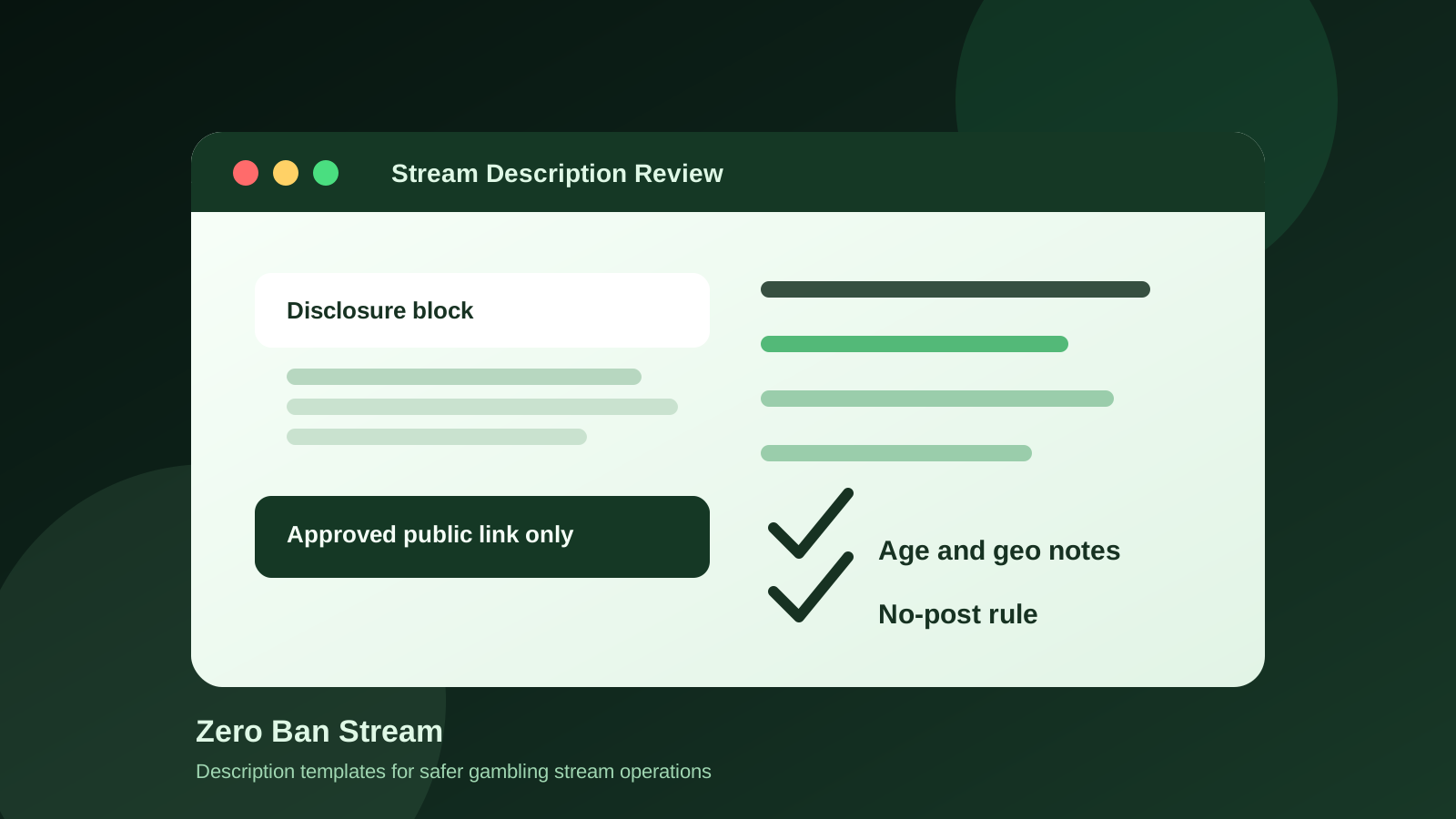
The safest approach to a gambling stream description template is to use one approved description block for each campaign that includes a plain disclosure, age and geography notes where relevant, the approved public link surface, a responsible-gambling reminder, and a no-post rule if any campaign detail is unclear.
Why the description deserves its own checklist
Creators often treat the description like a low-risk admin field. That is a mistake. The description can be reviewed by viewers, sponsors, moderators, platforms, and future editors long after the stream ends.
Description mistakes usually happen when:
- an old sponsor link is reused from a previous stream
- the creator adds the link but forgets the disclosure
- the pinned chat message says one thing and the description says another
- a geo-limited offer is written like a universal offer
- the description is edited after publishing without anyone logging the change
The description is part of the public compliance surface. It should be reviewed with the same discipline as overlays, pinned chat, bot commands, and sponsor-read notes.
What a safer stream description should include
A practical description block should answer the questions that create confusion during review:
- Is this sponsored, affiliate-linked, or otherwise promotional?
- What should viewers understand before clicking?
- Is the offer limited by age, region, or local availability?
- Which link or routing surface is the approved public version?
- Who approved the description before the stream went live?
- What should the team do if the sponsor changes the destination late?
If the description cannot answer those questions, the campaign handoff is incomplete.
Gambling stream description template
Use this as a working structure and adjust it with legal, sponsor, and platform guidance for your own channel.
| Section | Example wording | Why it matters |
|---|---|---|
| Sponsor disclosure | ”This stream includes a paid sponsorship / affiliate promotion from [Sponsor].” | Makes the commercial relationship clear |
| Age note | ”For adults only. Follow your local laws and platform rules.” | Reminds viewers that gambling content is restricted |
| Geography note | ”Availability may depend on your location.” | Reduces wrong-market assumptions |
| Public link surface | ”Use the approved link shown in chat / landing page only.” | Prevents raw-link drift |
| Responsible reminder | ”Only participate where legal and never gamble more than you can afford to lose.” | Keeps the message grounded and responsible |
| No-post rule | ”If the approved link, disclosure, or region is unclear, do not publish the link.” | Gives moderators and editors permission to stop |
Copy-and-paste version
Here is a simple base version:
This stream may include a paid sponsorship or affiliate promotion from [Sponsor]. Gambling content is intended for adults only. Availability may depend on your location and local rules. Use only the approved public link surface shared by the channel. Do not use unverified links from chat or third parties. Participate responsibly and only where legal.
That wording is intentionally plain. Do not hide the commercial relationship behind vague language like “partnered content” if the stream is paid, sponsored, or affiliate-linked. Clear beats clever.
Practical workflow for using the template
1) Start from the campaign brief
The description should not be written from memory. Pull the sponsor name, approved destination, disclosure wording, and geography notes from the final campaign brief.
If the brief changed after the description was drafted, the description must be reviewed again. A late sponsor update is exactly when old copy gets published by accident.
2) Match the description to the pinned message
The description and pinned chat do not need to be identical, but they should not conflict.
Check that both surfaces use the same:
- sponsor name
- disclosure meaning
- approved public link
- age or geography caveat
- responsible-gambling reminder when relevant
If the description says one thing and the pinned chat says another, viewers see inconsistency and the team has no reliable source of truth.
3) Keep raw campaign handling out of the public copy
Descriptions should not expose internal campaign handling. Avoid pasting:
- raw affiliate parameters
- internal tracking notes
- sponsor dashboard URLs
- unreviewed redirect chains
- instructions meant only for moderators or editors
The description should show the approved viewer-facing path, not the behind-the-scenes workflow.
4) Add a no-post rule for editors and moderators
The strongest part of the template is the stop condition. It should be written plainly:
“If the approved link, disclosure, or geo note is missing, do not publish or update the description until the campaign owner approves it.”
This avoids the most common live-operations mistake: someone notices a missing detail and guesses under pressure.
5) Review after the stream
The description can change after publishing, especially on YouTube VODs. Add it to the post-stream review:
- confirm the final description matches the approved campaign brief
- remove time-sensitive sponsor copy if the campaign ended
- check that old links were not left live accidentally
- log any edit made after publication
That review connects the description to your broader Post-Stream VOD Audit Checklist for Gambling Creators.
YouTube description considerations
YouTube treats descriptions, comments, live chat, and other product surfaces as part of the content environment. That means a risky external link does not become safer just because it sits below the video instead of inside the video itself.
For YouTube workflows, review:
- whether the description includes a clear paid-promotion disclosure when required
- whether any external link creates policy or destination risk
- whether the offer is appropriate for the intended audience
- whether the description still makes sense after the live stream becomes a replay
Also connect this workflow with YouTube Gambling Sponsor Compliance Checklist and Gambling Links in YouTube Descriptions.
Twitch panel and About-section considerations
Twitch creators should treat panels, About sections, pinned chat, and commands as long-lived public surfaces. A panel can outlive a sponsor campaign and keep an old offer visible after the stream context is gone.
For Twitch-style surfaces, review:
- whether the panel is current
- whether the offer is still approved
- whether a moderator command points to the same public surface
- whether sponsor graphics or logos are still allowed for the stream setup
- whether the category, labels, and stream context match the content
For related workflow details, see Are Gambling Links Allowed in Twitch Panels? and Moderator SOP for Gambling Stream Links.
Common description mistakes to avoid
- Copying last week’s description without reviewing the sponsor block
- Adding a link first and planning to add disclosure later
- Letting editors improvise around age or geography wording
- Publishing the same description across YouTube, Twitch, Kick, and other platforms without surface-specific review
- Leaving expired campaign links in old VOD descriptions
- Hiding internal tracking notes in public-facing copy
- Treating description edits as unimportant because the stream already ended
How this fits into the full stream safety workflow
The description template should sit inside the same operating system as:
- Sponsor Brief Template for Gambling Stream Campaigns
- Pre-Live Stream SOP Template for Gambling Creators
- Moderator SOP for Gambling Stream Links
- Post-Stream VOD Audit Checklist for Gambling Creators
- Audit Logs & Link Accountability
The sponsor brief defines the approved facts. The pre-live SOP checks that those facts were placed correctly. The description template makes one of the most visible public surfaces easier to control.
Sources and references
- YouTube External links policy
- YouTube paid product placements, sponsorships, and endorsements
- Twitch Content Classification Guidelines
- Twitch Community Guidelines
- FTC Endorsement Guides: What People Are Asking
- Zero Ban Stream
FAQ
Can I use the same description template on every platform?
Use the same operating structure, but review the final wording for each platform. YouTube descriptions, Twitch panels, Kick stream info, pinned chat, and bot commands are different surfaces with different review risks.
Should the affiliate link go directly in the description?
Only use the approved public placement for the campaign. The operational point is to avoid improvised raw-link posting and keep the description aligned with the campaign brief, disclosure, and platform rules.
Who should approve the final description?
One campaign owner should approve the description before publishing. Editors, moderators, and creators can contribute, but final approval should not be ambiguous.
What if the sponsor changes the link right before going live?
Pause the post. Update the campaign brief first, then update the description, pinned message, and moderator instructions from the same approved source. If the team cannot verify the change, do not publish the link.
Final operating rule
If the description cannot be traced back to the approved sponsor brief, it is not ready to publish. A clean description should make the promotion clearer for viewers and easier for the team to audit later.